-
What is my session list?
A list of your selected products which you can download as a PDF. Products are added to the list by you and saved in a cookie for this browser for the duration of the session.
-
How do I add a product to my session list?
Click the + icon on the product page to add it to your Session List.
Add as many products as you wish to create your personalised session list.
-
How do I view and edit my session list?
When you are viewing a product page a View My Session List button is displayed at the top right corner. Click on this to view your session list.
Click the X icon to remove an item from the list. New items can be added by returning to the products and continue selecting items for your list as above.
-
How do I save my session list?
Select View My Session List. The list can be downloaded as a PDF and saved if required.
This list is temporarily saved in a cookie for this browser for the duration of the session.
Product Information
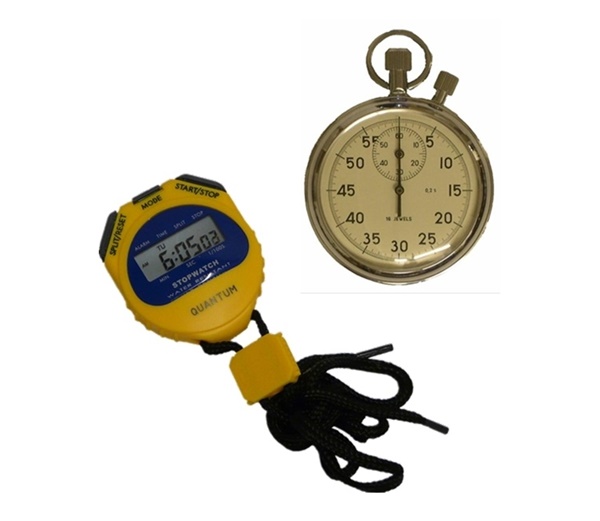
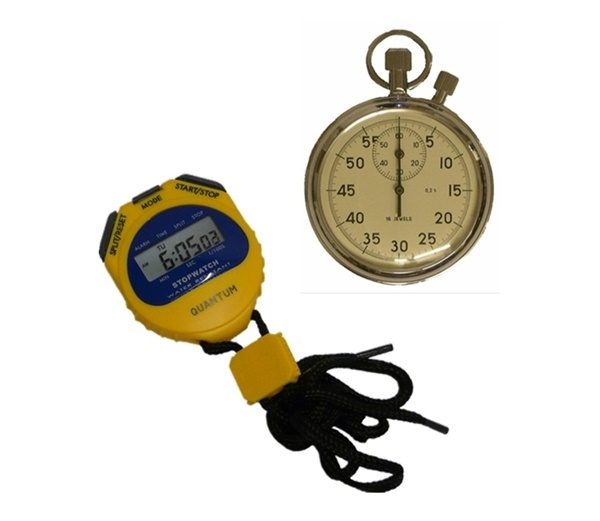
Digital and analogue stopwatches.
| Thumbnail | Part Number | Network Rail Reference | Description | |
|---|---|---|---|---|
|
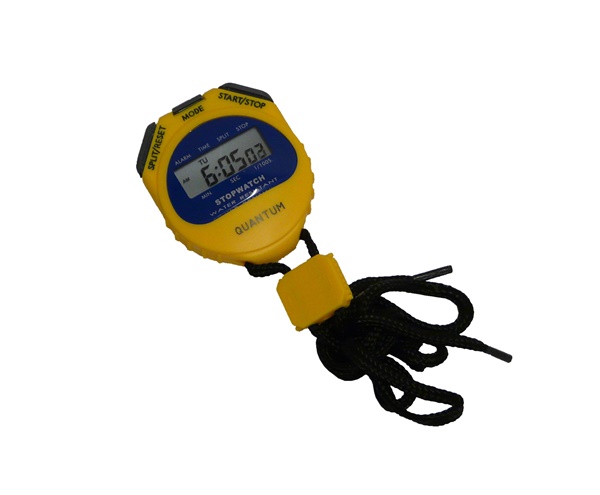
Part Number: LT/SW/01 | Network Rail Reference: URLT/004704 | Description: Digital stopwatch | |
|
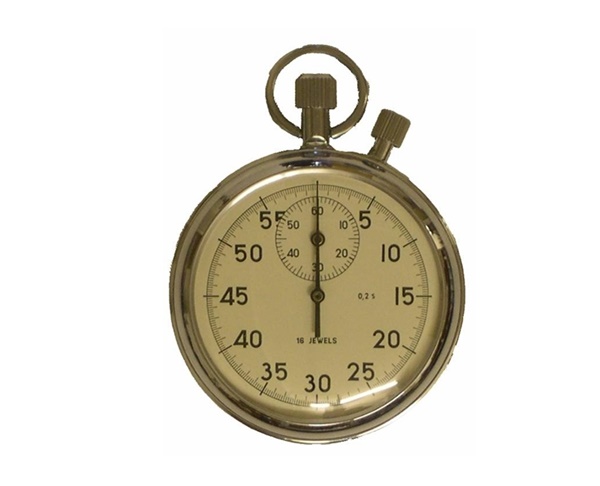
Part Number: LT/SW/02 | Network Rail Reference: 0040/017589 | Description: Analogue stopwatch |
Digital stopwatch:
- 1/100 second timing
- Lap counter (for first 30 minutes)
- Start/stop/reset function
- Split time function
- Calendar and time 12/24hr format
- Alarm function
- Water resistant
- Shock resistant
- 9mm character height
- Neck cord
Analogue stopwatch:
- Chrome finish case
- Jewel lever movement
- 1/5 second timing
- 60 second/60 minute recording
- Stop/start on crown
- Hand reset on side
Recently Viewed

Help us to improve our service
Can you spare 2 minutes to give us your feedback on our products?
Take our survey now